Appearance and language
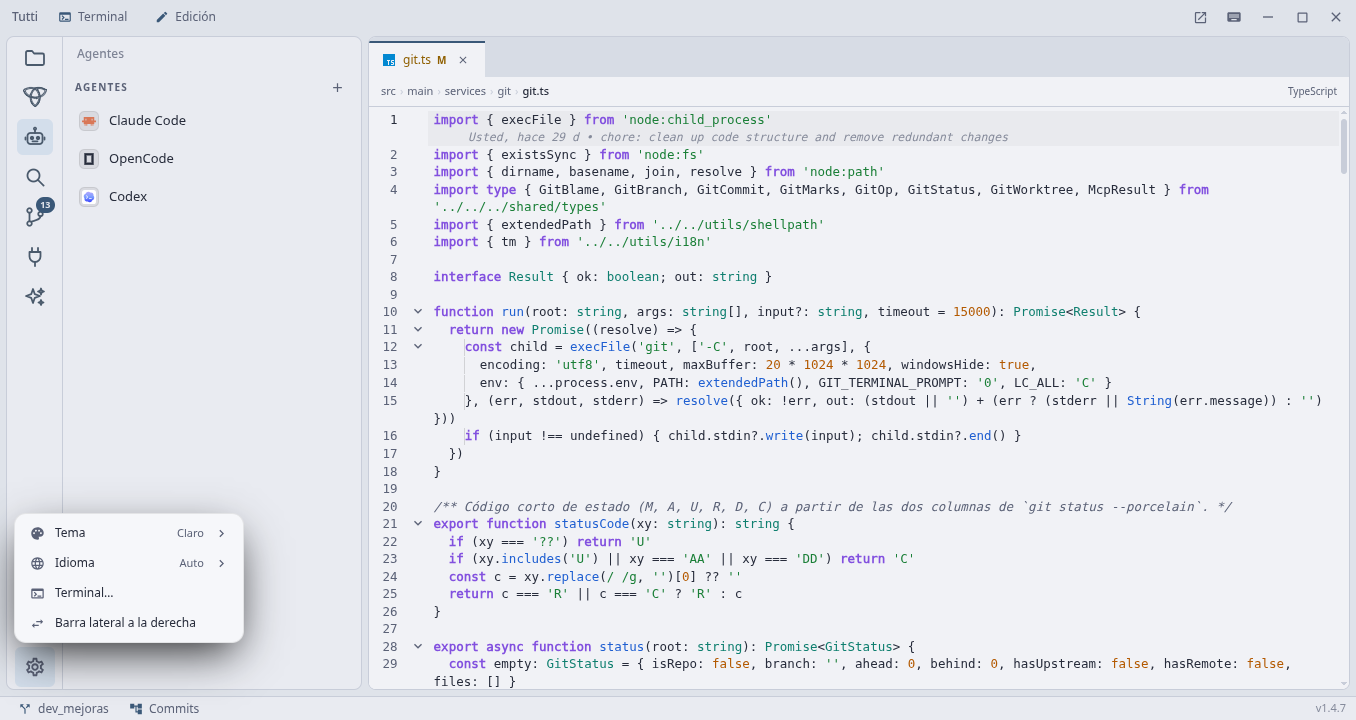
The gear at the bottom of the sidebar opens the settings, with two submenus that open on hover (they show the current value):
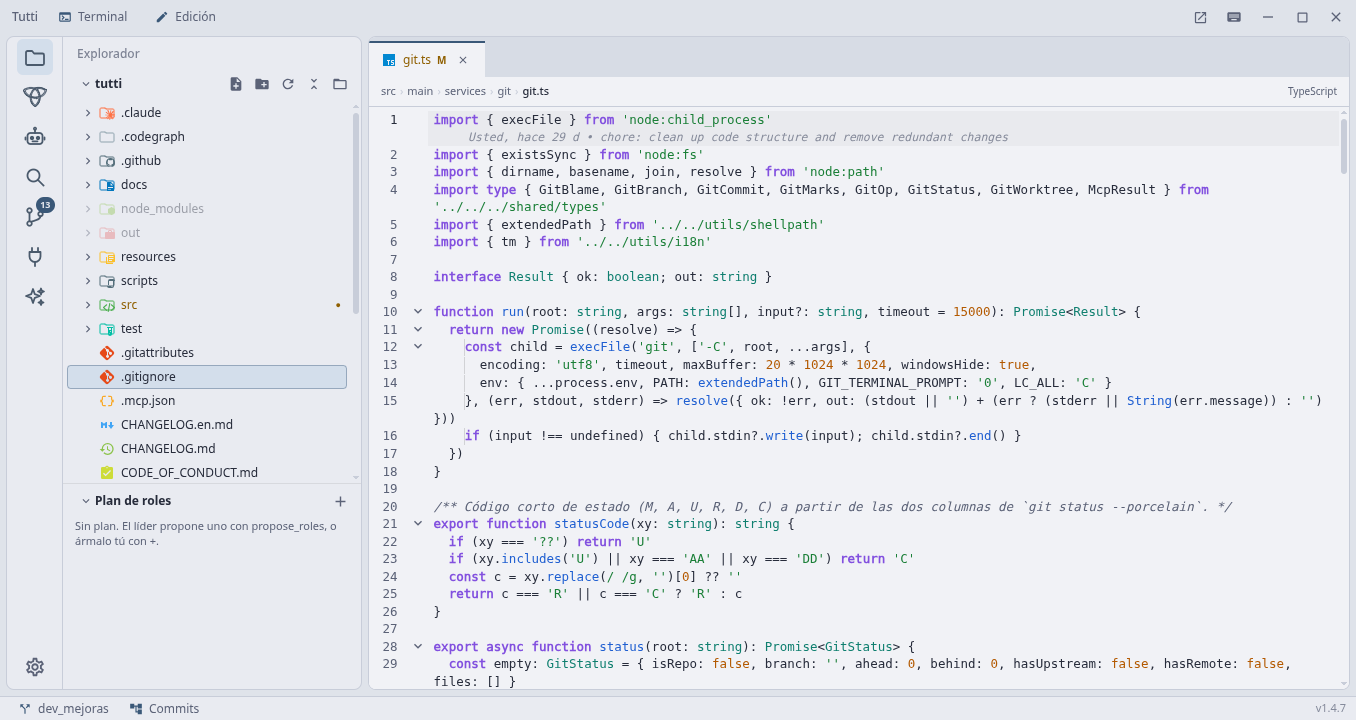
- Theme: dark, light or Automatic (follows the system). The light one uses soft tones, no pure white, to go easy on your eyes. It also changes the editor, the code colors and the terminals.
- Language: Spanish, English or Automatic (the system’s; if it is not Spanish, English). It changes the whole interface instantly and is remembered. The project context and error messages also come in your language, and the AI writes the context in it.
The interface texts live in src/shared/locales/es.json and en.json; if a key is missing in English, it does not compile.