Find and replace
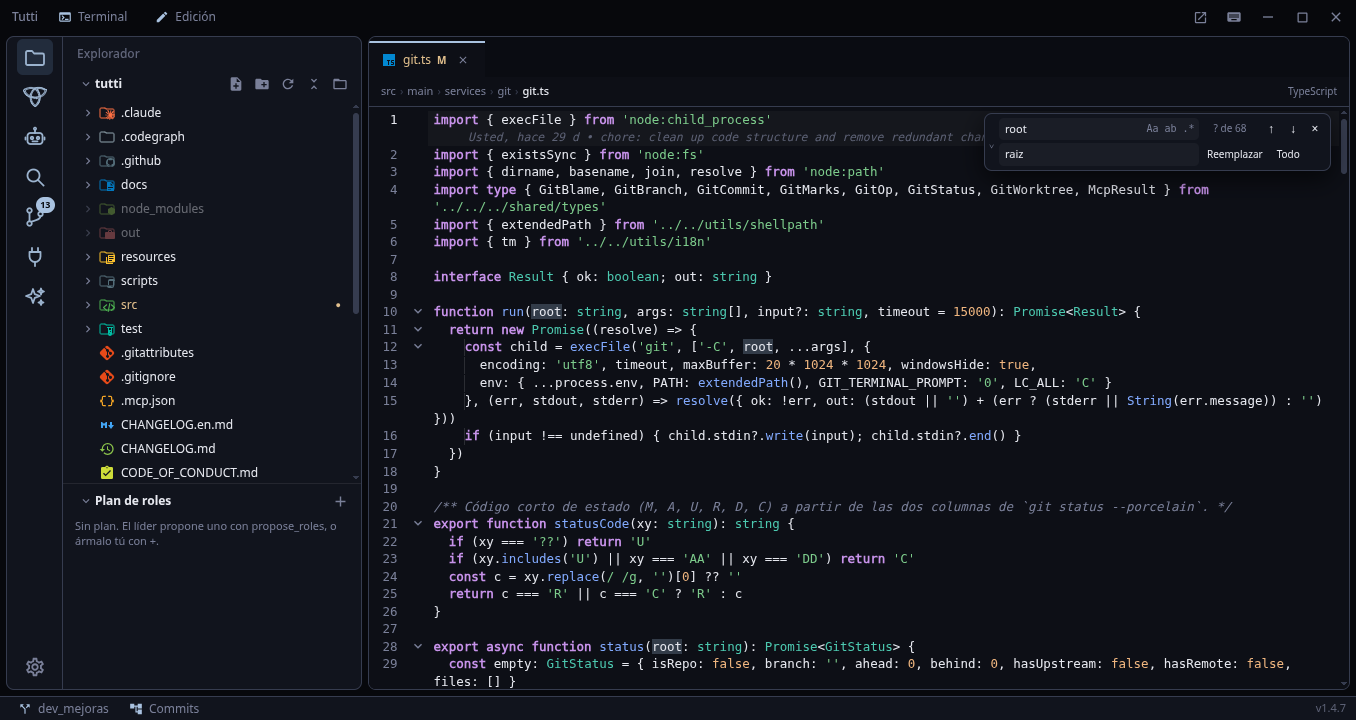
In the open file
Ctrl+F opens a floating box at the top right of the editor with match case (Aa), whole word (ab) and regular expression (.*), the counter (“3 of 12”) and the previous / next buttons. Ctrl+H adds the replace row (Replace and All). Enter / Shift+Enter go through the matches and Esc closes it.
Across the project
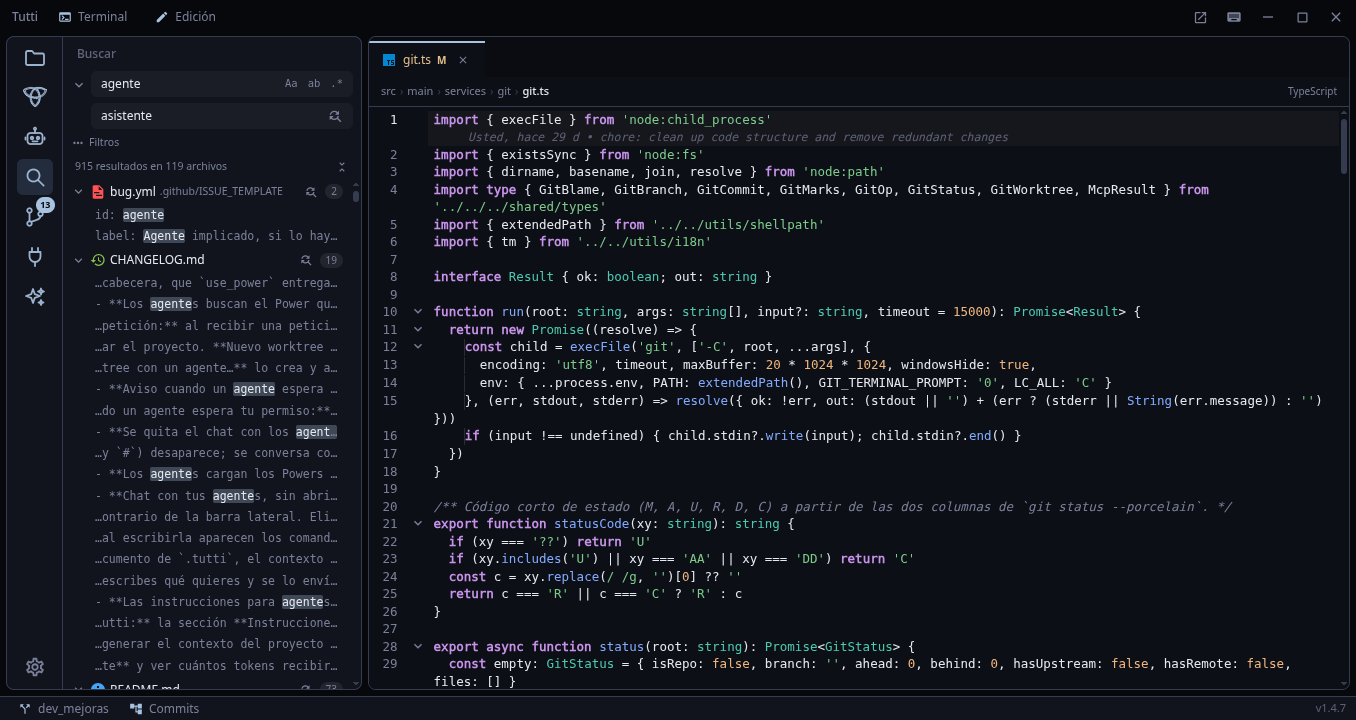
The Search section of the sidebar (Ctrl+Shift+F) groups results by file; clicking one opens it at that line with the match selected.
- Filters accepts comma-separated globs to include and exclude:
*.ts, src/**·*.test.ts, docs/. - It respects
.gitignoreif the project uses git, and skips binaries and files larger than 1 MB. - It stops at 5000 matches or 500 files (the counter shows “+”).
Replace across the project
Ctrl+Shift+H (or the arrow to the left of the field) shows the replace field. You can replace per file or all at once, always asking for confirmation. With a regular expression it supports $1, $& and $$; it keeps line endings and skips open files with unsaved changes so it never overwrites them.